Remove Interface
This section describes how to remove an Ethernet Interface.
| ➢ | To remove an existing interface: |
| 1. | From the Ethernet Interfaces menu, choose option 2. |
Remove Ethernet Interface
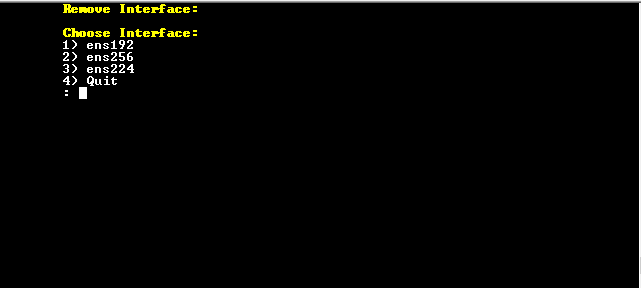
| 2. | Enter the number corresponding to the interface that you wish to remove. |
| 3. | Type y to confirm the changes; the OVOC server automatically reboots for the changes to take effect. |